How I Turned My Git Repo Into a Self-Organizing Knowledge Base With Obsidian and an AI Agent
How I Turned My Git Repo Into a Self-Organizing Knowledge Base With Obsidian and an AI Agent
Engineering teams generate enormous amounts of documentation — ticket assessments, code reviews, incident post-mortems, architecture decisions, runbooks, meeting notes. Most of it ends up scattered across wiki pages nobody revisits, chat threads that disappear into the scroll, or markdown files dumped into a flat directory with names like notes-final-v2-ACTUAL.md.
I solved this by combining two things that weren’t designed to work together, but turn out to be a perfect pair: Obsidian as a human reading layer and a Claude Code agent as an automated organization engine. The result is a documentation system that lives in my git repo, organizes itself, and gets more useful over time.
The Problem With How Teams Document
The typical lifecycle of engineering documentation looks like this:
- Someone writes a markdown file during or after a task
- They drop it somewhere reasonable-ish in the repo
- Six weeks later, nobody can find it
- Someone writes the same thing again from scratch
This happens because documentation has two fundamentally different audiences with conflicting needs. Writers need a fast path to capture knowledge — any friction kills the habit. Readers need structure, discoverability, and context — without those, documentation might as well not exist.
Most tools optimize for one audience at the expense of the other. Wikis make reading pleasant but writing tedious. Flat markdown directories make writing easy but reading impossible at scale. Process-heavy systems add overhead that kills adoption.
The Architecture: Two Layers, One Directory
The solution splits the documentation problem into two layers that share a single .markdown/ directory at the root of the repository:
.markdown/
├── docs/                  # Cross-system documentation
│   ├── jira/              # Ticket specs, assessments, post-mortems
│   ├── technical/         # Architecture docs, integration plans
│   ├── code-reviews/      # PR reviews, refactor assessments
│   ├── runbooks/          # Operational procedures
│   ├── projects/          # Project-scoped coordination docs
│   └── ...                # Additional category folders as needed
├── sprint/                # Auto-generated operational reports
├── .obsidian/             # Obsidian vault configuration
└── _index.md              # Auto-generated root index
Layer 1: Obsidian reads this directory as a vault. I get the graph view, backlinks, search, bookmarks, and a clean reading experience for browsing the knowledge base. The .obsidian/ config lives right alongside the documentation, so vault settings travel with the repo.
Layer 2: The docs-organizer agent handles creation, naming, categorization, frontmatter, cross-referencing, and index generation. It enforces the taxonomy so I never have to think about where a file goes or what to name it.
The key insight: Obsidian never writes. The agent never reads for pleasure. Each tool does what it’s best at.
Type-First Organization, Topic Via Tags
Early on, I organized documentation by topic — a folder per technology, per vendor, per system. This broke down fast. A single performance issue touches tickets, code reviews, architecture docs, and incident reports. Where does each artifact live? The answer was always ambiguous, and ambiguity kills consistency.
The docs-organizer agent uses a type-first taxonomy. Documents are categorized by what kind of document they are, not what subject they cover:
| Prefix | Category | Example |
|---|---|---|
JIRA | Ticket documentation | JIRA-812-solr-cache-optimization.md |
DOC | Technical documentation | DOC-solr-indexing-architecture.md |
CR | Code review | CR-search-refactor-2026-03.md |
ASM | Assessment | ASM-performance-analysis-2026-Q1.md |
INC | Incident report | INC-search-outage-2026-01-28.md |
RB | Runbook | RB-deployment-procedure.md |
SW | Standard Work | SW-config-deployment-process.md |
Topics are captured through frontmatter tags — a controlled vocabulary of terms relevant to your stack and domain. Obsidian’s tag search and graph view turn these tags into a powerful topic-based discovery layer on top of the type-based folder structure.
This means I can find “everything related to search performance” (tag search) or “all incident reports” (browse the folder) with equal ease. The two access patterns complement rather than compete.
What the Agent Actually Does
The agent is a Claude Code subagent defined in .claude/agents/docs-organizer.md. It has two jobs.
Organizing existing documentation. When I accumulate markdown files that need sorting — or when legacy topic-based folders need migration — the agent scans the target directory, categorizes each file using a priority-ordered decision tree, and presents a migration plan as a table showing current path, proposed path, and confidence level. It waits for approval before moving anything. The approval gate matters — the agent proposes, I decide. This prevents misclassification from compounding silently.
Creating new documentation. When I finish a task and want to capture what happened, the agent identifies the document type from context, pulls relevant information from the conversation and codebase, generates a complete document with standardized frontmatter and cross-references, places it in the correct category folder, and updates the index.
Every document follows a standard template with YAML frontmatter:
---
title: "Search Cache Optimization for Product Pages"
prefix: JIRA
category: jira
author: Kevin Davison
date: 2026-03-15
status: final
tags: [search, caching, performance]
---
This frontmatter is what makes Obsidian’s search, graph, and Dataview queries work. The agent writes it; Obsidian consumes it.
The Agent Ecosystem
The docs-organizer doesn’t work in isolation. It’s one of several specialized agents that form a documentation pipeline. I have agents for ticket drafting, code review, dev assessments, and domain-specific troubleshooting. Each agent produces structured output as part of its primary job. When I want to persist that output as documentation, the docs-organizer knows which prefix and category to apply based on the source agent.
A practical example: I run a dev-assessment agent on a ticket. It produces a root cause analysis with code archaeology and a recommended fix. I say “document that.” The docs-organizer captures the output as an ASM-prefixed file in the assessments/ folder, adds frontmatter with the right tags and ticket reference, and updates the index. Total effort on my part: two words.
What Obsidian Brings to the Table
With the .obsidian/ vault config living inside .markdown/, I open the directory as an Obsidian vault and immediately get:
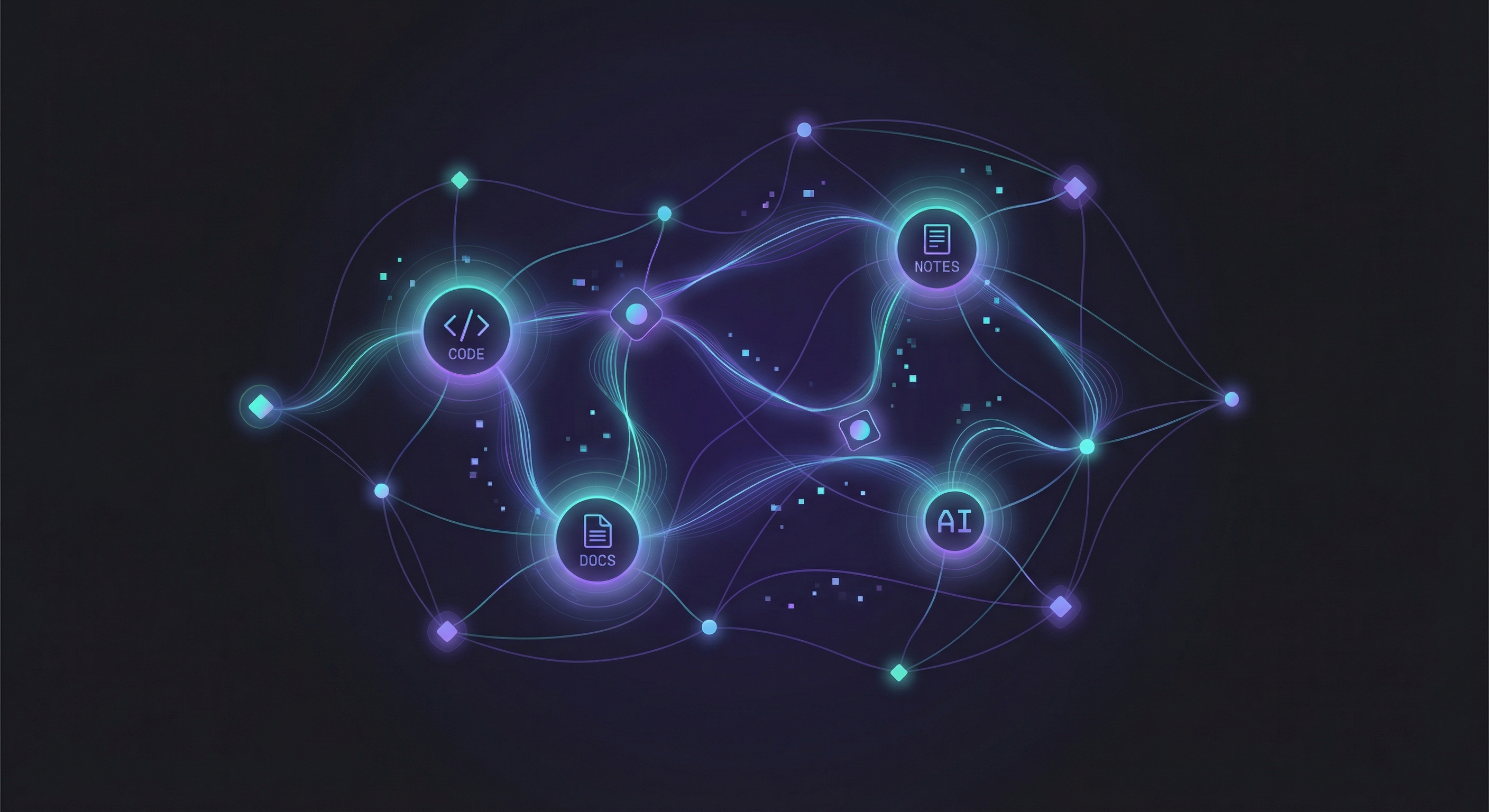
- Graph view — a visual map of how documents relate through tags, links, and cross-references. Clusters emerge naturally around topics and projects.
- Tag-based browsing — click any tag to see every document across all categories that shares that topic.
- Backlinks — when Document A references Document B, Obsidian surfaces that relationship bidirectionally, even if only one side has an explicit link.
- Search — full-text and frontmatter search across the entire knowledge base, instantly.
- Calendar plugin — sprint reports and daily summaries map to calendar dates for temporal navigation.
- Mermaid diagrams — architecture diagrams render inline, kept alongside the documentation they describe.
None of this requires additional work. The agent’s consistent frontmatter and naming conventions give Obsidian the structured data it needs to deliver these features automatically.
Why This Lives in Git
The entire .markdown/ directory — including .obsidian/ config — is committed to the repository. This is deliberate:
- Documentation travels with the code. Check out the repo, open the vault, and the full knowledge base is there. No separate login, no broken wiki links.
- Version history is free. Git blame tells you who wrote what and when. Documentation changes appear in the same PRs as code changes.
- The agent has access. Because the docs live in the working directory, the Claude Code agent can read, write, and cross-reference without API calls to external services.
- Obsidian works locally. No sync service required. The vault is just a directory on disk.
The .obsidian/ config is lightweight — appearance settings, plugin configs, bookmarks. Committing it means anyone on the team who opens the vault gets the same experience.
Sprint Reports: The Operational Layer
A separate set of slash commands generates operational reports that land in .markdown/sprint/ — daily summaries, monthly metrics, release readiness assessments, stakeholder updates. These follow a date-based folder structure and are explicitly excluded from the docs-organizer’s scope. They’re operational output, not knowledge artifacts.
This separation matters: operational reports are generated fresh and consumed quickly. Knowledge documentation is curated and referenced for months. Different lifecycles, different management strategies, same vault.
What Actually Changed
Before this system, I had ~40 markdown files in a flat directory with inconsistent names. Finding prior work on a topic required grep and institutional memory. New team members had no entry point.
After six months:
- 77+ categorized documents across multiple category folders
- Standardized frontmatter on every document — searchable by status, ticket reference, or tag
- Auto-generated indexes at every level of the hierarchy
- Cross-references between documents surfacing related context automatically
- Near-zero friction to capture documentation — I describe what happened, the agent handles the rest
- Seconds instead of minutes to find anything — Obsidian’s search and graph do the work
The biggest behavioral change: documentation capture is no longer a separate task. It happens as a natural byproduct of the work itself, because the agent removes all the friction — naming, categorizing, formatting, filing, indexing.
Getting Started
The core requirements are minimal:
- A
.markdown/directory in your repo - An Obsidian vault pointed at that directory
- A docs-organizer agent with your taxonomy, naming conventions, and frontmatter schema
- A controlled tag vocabulary documented in the agent’s instructions
The taxonomy should reflect your team’s actual document types. Mine has twelve categories because that’s what my team produces. Yours might have six or twenty. Start with fewer categories and let the agent propose new ones when documents don’t fit — controlled evolution beats premature structure.
The agent definition is the most important piece. It encodes your information architecture as executable instructions: the folder structure, the prefix system, the categorization decision tree, the frontmatter template, the tag vocabulary. Get this right and the system runs itself. Get it wrong and you’ve automated the creation of a mess.
The Compound Effect
Each document the agent creates makes the next search faster, the next graph view richer, the next cross-reference more valuable. This is the compound effect of consistent structure applied over time.
Six months from now, when someone asks “what do we know about this system’s performance issues?” the answer isn’t a chat search or a conversation with whoever happened to work on it. The answer is a tag search in Obsidian that surfaces every assessment, incident report, code review, and ticket related to the topic — all in one view, all with standardized structure, all maintained by an agent that never forgets to file things properly.
Documentation isn’t a writing problem. It’s an organization problem. Solve the organization with automation, and the writing takes care of itself.
Related Reading
- How I Use Claude Every Day — The daily workflow that led to automating documentation
- Building Quevin with OpenClaw — The agent architecture behind this kind of automation

About the Author
Kevin P. Davison has over 20 years of experience building websites and figuring out how to make large-scale web projects actually work. He writes about technology, AI, leadership lessons learned the hard way, and whatever else catches his attention—travel stories, weekend adventures in the Pacific Northwest like snorkeling in Puget Sound, or the occasional rabbit hole he couldn't resist.